Security
Configure Cloudflare Turnstile to enable bot protection
Turnstile is a privacy-friendly, CAPTCHA solution that protects your application from bots and abuse.
Create account
Sign up at Cloudflare and verify your account.
Configure widget
Go to Application security > Turnstile and add a new widget.
Add a name and your hostname.
Select the widget Mode:
Select pre-clearance and choose the level:
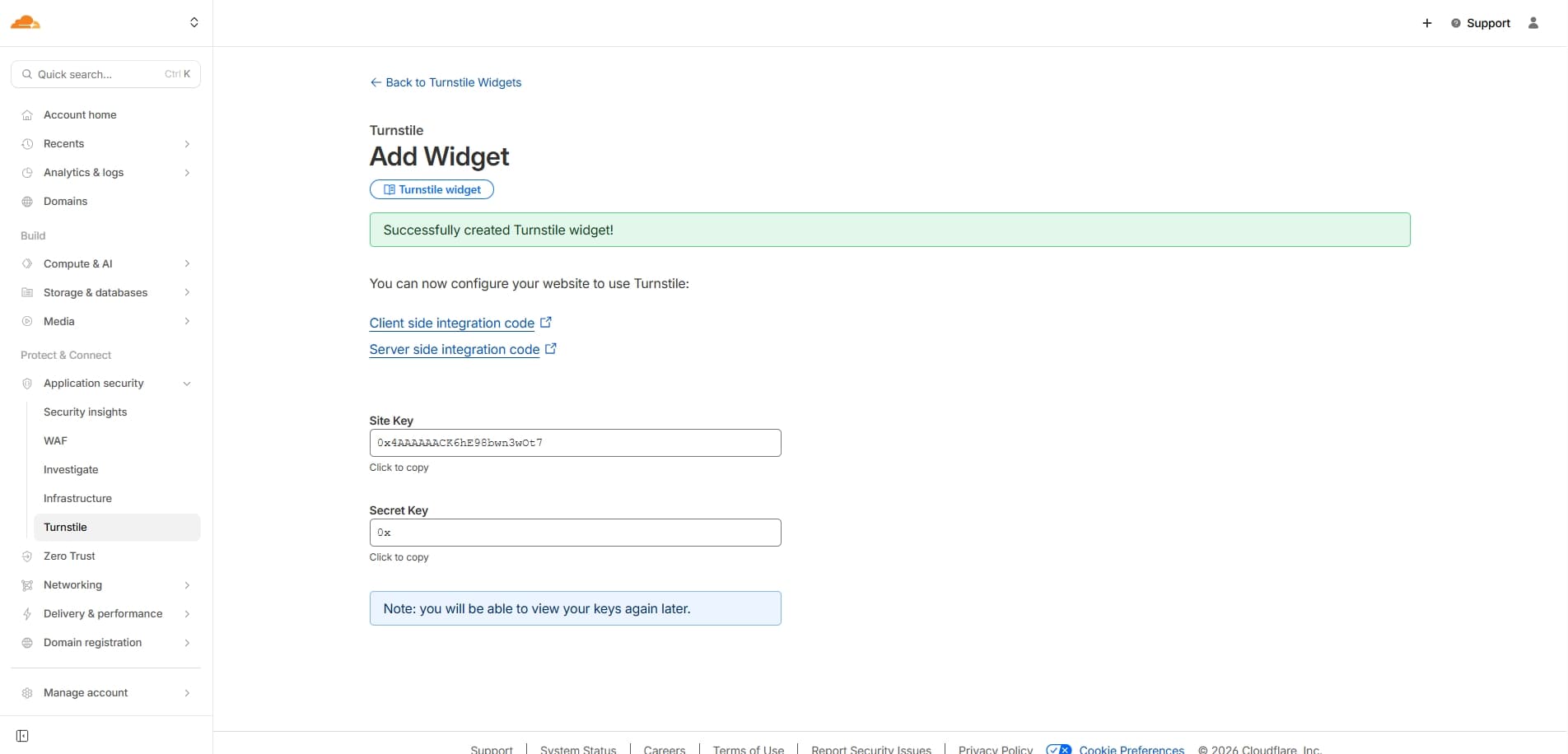
Copy your site key and secret key
Add to local env
Add the following to your .env file:
/apps/fastack-boilerplate/.env
Optional
NEXT_PUBLIC_TURNSTILE_SITE_KEY=your-site-key-here
TURNSTILE_SECRET_KEY=your-secret-key-here
NEXT_PUBLIC_DISABLE_CAPTCHA=false
Add to production env
Add the following to your .env.production file:
/apps/fastack-boilerplate/.env.production
Optional
NEXT_PUBLIC_TURNSTILE_SITE_KEY=your-site-key-here
TURNSTILE_SECRET_KEY=your-secret-key-here
NEXT_PUBLIC_DISABLE_CAPTCHA=false