Database
Configure your PostgreSQL database connection using Prisma.
Create Prisma account
Create an account on Prisma Console.
Configure a new project
Configure a new project, give it a project name, and select a region closest to your application for faster responses. By default, it will create a new Development database.
Get connection string
Click "Connect" on the "Connect to your database" section to get your connection string for the Development database.
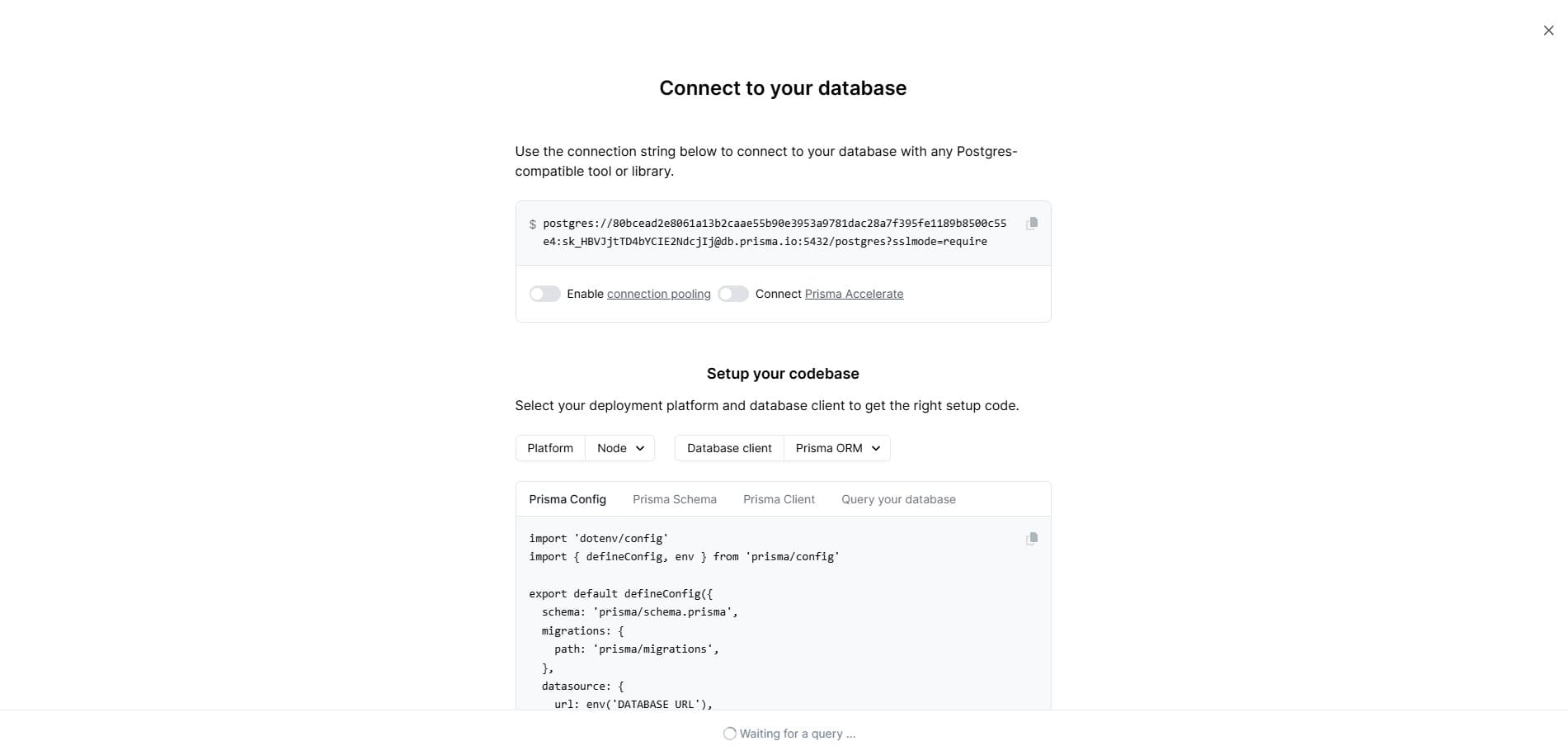
Add to local env
Add the following to your .env file:
/apps/fastack-boilerplate/.env
Required
DATABASE_URL=your-database-url-hereCreate production database
Create a separate new database within the same project and call it "Production".
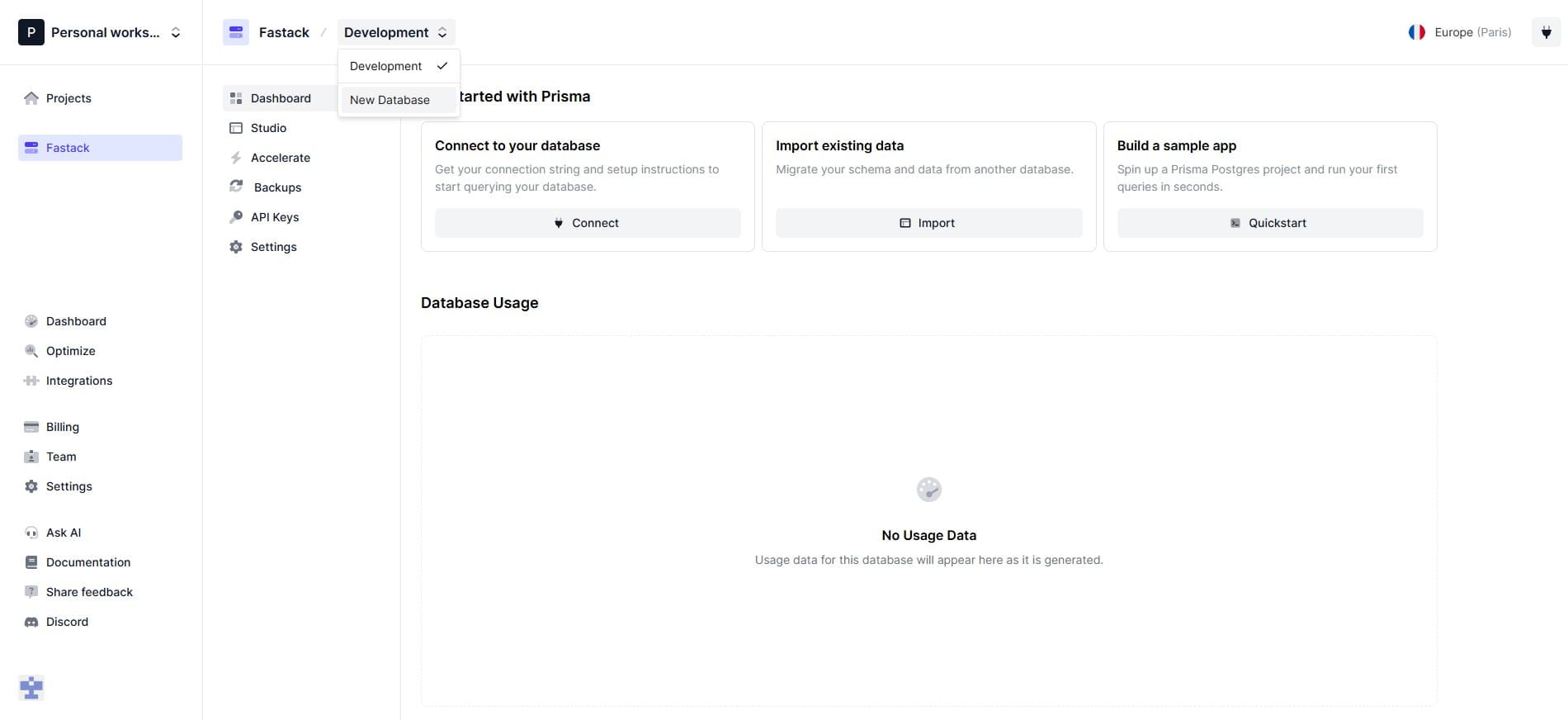
Add to production env
Add the following to your .env.production file:
/apps/fastack-boilerplate/.env.production
Required
DATABASE_URL=your-production-database-url-here